Novel Planning Template Google Docs Setup
A blank document can make a book feel bigger than it is. If you have a story idea but no clear system for holding your plot, characters, scenes, and research together, a novel planning template Google Docs setup can give you the structure your creativity has been missing.
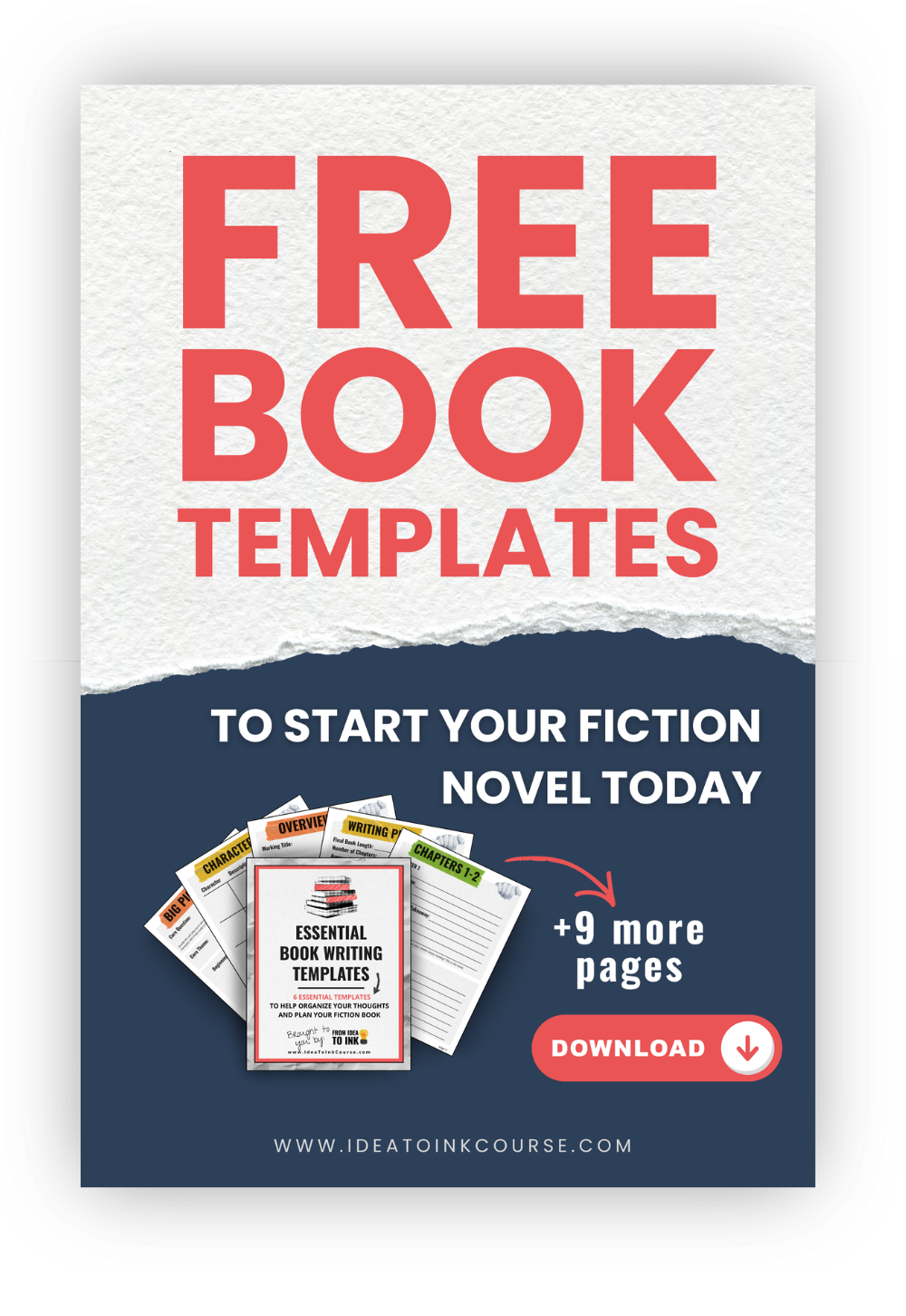
Before we get started, I have to mention that we have free downloadable templates to help you get started with your novel, but they don’t always work for everyone, and that’s ok. In this article, we’ll specifically talk about Google Docs and how you can use to structure your novel.
Google Docs works especially well for early-stage writers because it is simple, flexible, and easy to update as your book changes. You do not need complicated software to plan a strong novel. You need one document that helps you think clearly, make decisions, and keep moving. It’s also free, which is a huge bonus.
Why a novel planning template Google Docs system works
A good planning template does not box you in. It reduces decision fatigue.
That matters more than many writers realize. Most stalled drafts are not caused by a lack of talent. They are caused by too many loose ideas and no reliable place to sort them. When your protagonist's goal lives in one notebook, your subplot ideas live in your phone, and your scene list is half-formed in your head, writing starts to feel scattered.
Google Docs helps because it keeps your planning process visible and editable. You can use headings to create sections, jump between them with the document outline, leave comments for yourself, and revise without losing your earlier thinking. For beginners especially, that simplicity lowers the pressure. You can focus on the story instead of learning a new tool.
There is also a practical trade-off here. A Google Doc will not give you the specialized plotting dashboards or corkboard views of some book-writing platforms. But for many aspiring authors, that is actually a benefit. Fewer features can mean fewer distractions.
What to include in your novel planning template
The best template is not the longest one. It is the one you will actually use. That’s why our FREE novel planning templates aren’t 50 pages long, they are 10 pages long. Higher quality beats higher quantity when it comes to templates. And the same goes for any template you decide to make in Google Docs.
Start with the core sections that help you make writing decisions. Your working title and story premise should come first. Keep your premise short, ideally one to three sentences, so you can return to the central idea when the draft starts wandering.
Next, include a section for story fundamentals. This is where you define the genre, target reader, setting, point of view, and the emotional tone you want the novel to carry. These details may seem basic, but they shape everything from pacing to scene design.
Character planning deserves its own section, and this is where many templates become either too thin or too bloated. You do not need a fifty-question interview for every side character. You do need the essentials for your main cast: what they want, what stands in their way, what they fear, what they believe at the beginning, and how they will change. If a detail will not affect the story, it can wait.
Your plot section should cover the novel's major turning points. That usually includes the opening situation, the inciting incident, rising complications, midpoint shift, crisis, climax, and ending. If you are a more intuitive writer, keep these notes light. If you tend to get lost midway through a draft, give this section more attention.
Then add a scene planning area. This is where your template becomes truly useful. A simple scene list with columns or labeled entries for point of view, purpose, conflict, and outcome can save you from writing filler. Every scene should either reveal something, change something, or pressure a character into action.
Finally, include space for research, worldbuilding if needed, and a running questions section. Writers often pause not because they are stuck creatively, but because they hit unresolved questions. Give those questions a home so they stop interrupting your drafting momentum.
How to organize the document so it stays usable
The difference between a helpful template and a chaotic one usually comes down to organization.
Use Heading 1 and Heading 2 styles consistently so your Google Docs outline becomes a clickable navigation panel. This lets you move quickly between your premise, character notes, plot map, and scene list without endless scrolling. It sounds small, but it makes the document feel manageable.
Keep each section focused. If your character profile turns into a diary entry, pull back and ask what information you actually need to write the book. If your plot notes become too vague to guide scenes, tighten them. A planning template should support action, not become another form of procrastination.
It also helps to separate fixed decisions from flexible ideas. You might mark one subsection as Story Decisions and another as Possibilities. That way, you know which notes are guiding the draft now and which ones are still under consideration. This matters because uncertainty is not the problem. Unclear uncertainty is.
If you like visual clarity, use simple formatting. Bold your key turning points. Highlight unresolved questions in one color. Use short paragraphs instead of giant blocks of text. Your template should feel easy to scan on a tired day.
A practical novel planning template Google Docs structure
If you want a starting point, here is a clean structure that works for many fiction writers:
1. Story Overview
Include your working title, genre, premise, theme or emotional question, target word count, and a short note on why this story matters to you. That last part is not fluff. When motivation drops, your reason for writing the book becomes part of the structure too.
2. Characters
Create one subsection per major character. Include role in story, external goal, internal need, conflict, backstory only if relevant, relationships, and arc. Keep it concise enough that you can review it before a writing session.
3. Plot Map
Outline the major beats of the story in order. You do not need perfect language here. You need cause and effect. What happens, why it matters, and how it changes the next choice.
4. Scene List
List scenes in sequence with a brief summary, point-of-view character, setting, conflict, and result. If you are not sure of the full order yet, start with known scenes and fill the gaps later.
5. Worldbuilding and Research
Store rules of the world, setting details, timelines, or topic research here. Keep only the details that support the current book.
6. Questions and Next Steps
Use this section as your parking lot for loose ends. What needs to be decided before the next chapter? What research do you still need? What scene feels weak and why?
This structure is simple on purpose. It covers what most beginner and intermediate novelists need without creating a planning system so heavy that it replaces writing.
How much planning is enough before you draft?
This is where the answer depends on your writing style.
If you are a strong outliner, you may want a fairly complete scene list before drafting chapter one. That can save time later and help you maintain momentum. If you are a discovery writer (or, you like to fly by the seat of your pants), too much detail upfront may make the process feel flat. In that case, plan the spine of the story and leave room for exploration inside scenes.
A useful rule is: plan until you feel oriented, not trapped. You should know enough to start with confidence, but not so much that planning becomes a substitute for progress.
For many writers, the sweet spot is a clear premise, defined protagonist and conflict, a handful of major plot turns, and a working scene for the first act. That gives you direction without demanding certainty about every chapter.
Common mistakes to avoid
The first mistake is building a template that is too ambitious. If your system takes an hour to update after every writing session, you will stop using it.
The second is confusing information with clarity. More notes do not automatically create a better novel. A five-page character file is less useful than a few sharp insights that actually shape decisions on the page.
The third is treating the template like a contract. Your novel will change. That is not failure. It is part of the writing process. A good Google Docs template should be easy to revise as the story gets smarter.
And finally, do not wait for the perfect planning system before you begin. The template is there to support the draft, not delay it.
When to use a template and when to simplify
If you have lots of ideas but struggle to turn them into chapters, use the full template. If you already know your story well and mostly need accountability, simplify. You might only need a premise, plot map, and scene tracker.
Writers often assume more structure is always better. Sometimes it is. Sometimes the right move is to reduce friction and get words on the page. The goal is not to prove you are organized. The goal is to finish a book.
If you want extra support building a clear writing process, Idea to Ink offers guided tools and training designed to help writers start their books with confidence. If you're still looking for a place to start, we recommend our Free Fiction Novel Templates.
Remember, a planning document cannot write your novel for you. What it can do is make the next decision easier, and then the next one after that.
For many writers, that is how a book finally begins.
Ready to write your book?
Download the Essential Book Writing Templates for FREE and start strong.
We hate SPAM. We will never sell your information, for any reason.